Instagram, YouTube, and TikTok: How Should PR Labeling Differ for Sponsored Posts?
This article was automatically translated from the Japanese original. Read the original in Japanese
When running sponsored collaboration posts on Instagram, YouTube, and TikTok, the top priority is turning on the sponsored content labeling feature that each platform provides. Instagram's "Paid Partnership Label," YouTube's "Includes paid promotion" setting, and TikTok's "Branded Content" toggle are all mechanisms through which the platform itself automatically displays that a post is an advertisement on-screen. Adding wording to the caption comes after this step. What the Act against Unjustifiable Premiums and Misleading Representations requires in regulating stealth marketing is simply that "it must be clear the content is an advertisement"—and the standard practice is to first satisfy this through the platform's standard feature, then supplement it with wording.
Why Should Platform Settings Take Priority Over Caption Wording?
As discussed in What Is PR Labeling for Sponsored Posts? The Basics of Stealth Marketing Regulations and Practical Approaches, the fundamental principle is to make it instantly clear that a post is an advertisement. Platform sponsored content labeling features automatically add a label such as "Sponsored" or "Paid Partnership" according to the post's display format. Caption wording is vulnerable to human error—the poster might forget to include it, or it might not be placed prominently—whereas turning on the feature ensures the label continues to display as part of the platform's own system. This is precisely why enabling each platform's setting takes top priority over supplementing with wording.
Which Setting Should Take Priority on Instagram?
On Instagram, the top priority is turning on "Add Paid Partnership Label" in the post creation screen and tagging the partner brand's account. When this setting is used, the label "Paid partnership" automatically appears at the top of the post alongside the account name. Writing "#PR" in the caption serves only to supplement this setting, and we do not recommend relying on wording alone without using the setting.
Which Setting Should Take Priority on YouTube?
On YouTube, the top priority when uploading a video is turning on the "Includes paid promotion" checkbox under "Advanced settings." When this setting is enabled, a "Includes paid promotion" display automatically appears on screen right after the video starts playing. Stating clearly at the top of the description that the content is a sponsored collaboration serves only to supplement this setting—since many viewers never expand the description box by clicking on it, the description cannot substitute for the setting. As discussed in What Elements Are Essential in a YouTube Sponsored Collaboration Script?, verbally mentioning the sponsorship within the script serves as a secondary layer that supplements this automatic display.
Which Setting Should Take Priority on TikTok?
On TikTok, the top priority is turning on the "Branded Content" toggle when posting and setting the partner brand. When enabled, the label "Paid partnership with [brand]" automatically appears on the video. Precisely because this is a platform where viewers tend to scroll through content quickly with sound on, relying solely on caption wording is insufficient—this automatically displayed on-screen setting is what proves effective. As discussed in Given TikTok's Short Runtime, How Should Brand Messaging Be Incorporated?, information conveyed within a short runtime must be carefully selected—but PR labeling is not something that can be excluded from that selection.
What Should Be Done About Settings When Reusing Posts Across Platforms?
When deploying the same video asset across multiple platforms, the sponsored content labeling feature must be turned on again separately for each platform. Even if a video asset carries Instagram's paid partnership label, uploading that same asset to YouTube does not automatically carry over YouTube's "paid promotion" setting. Even without changing the core structure of the video asset, it is essential to confirm that the setting has been turned on for the platform to which it is being uploaded. This extra step cannot be skipped.
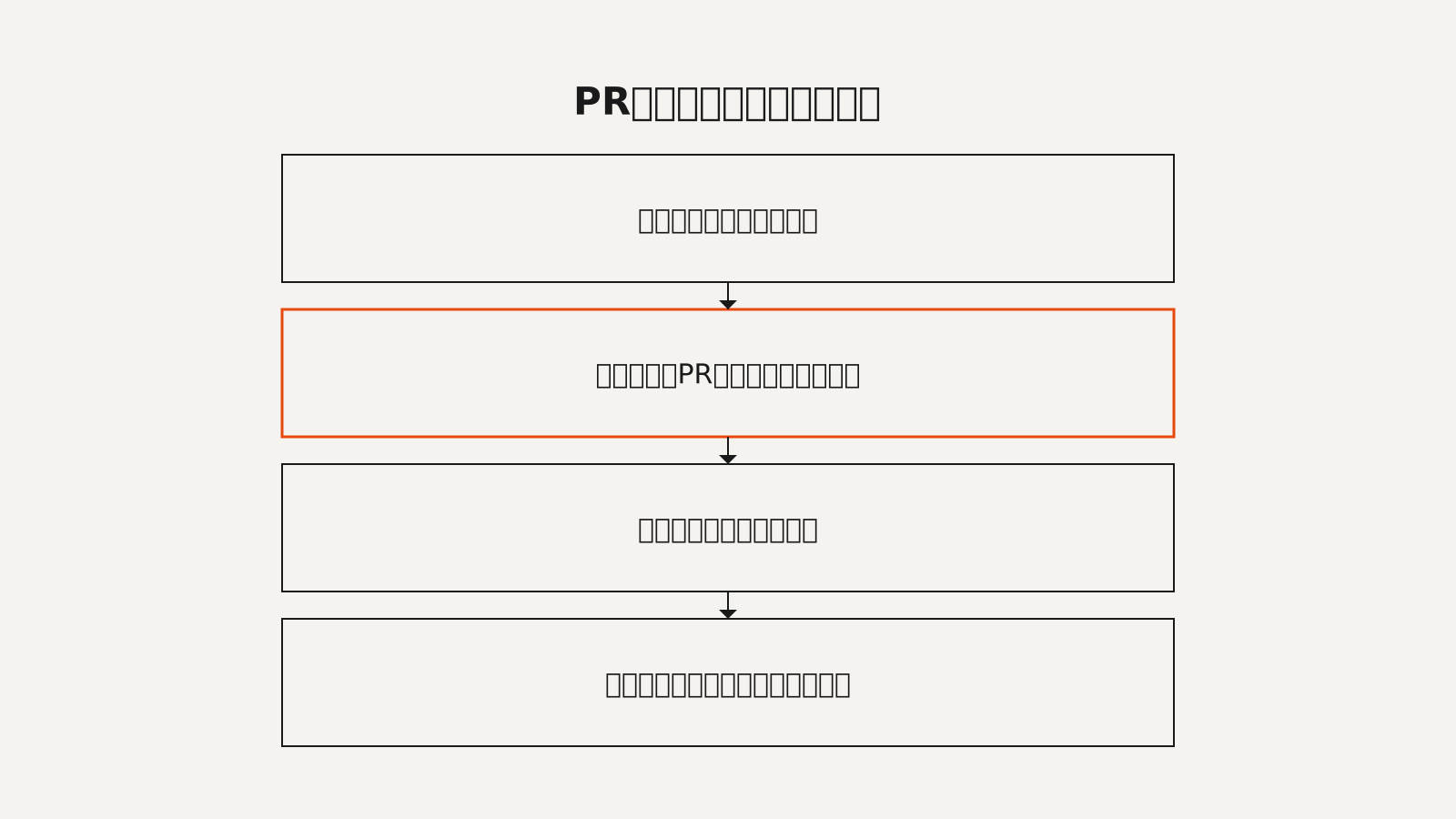
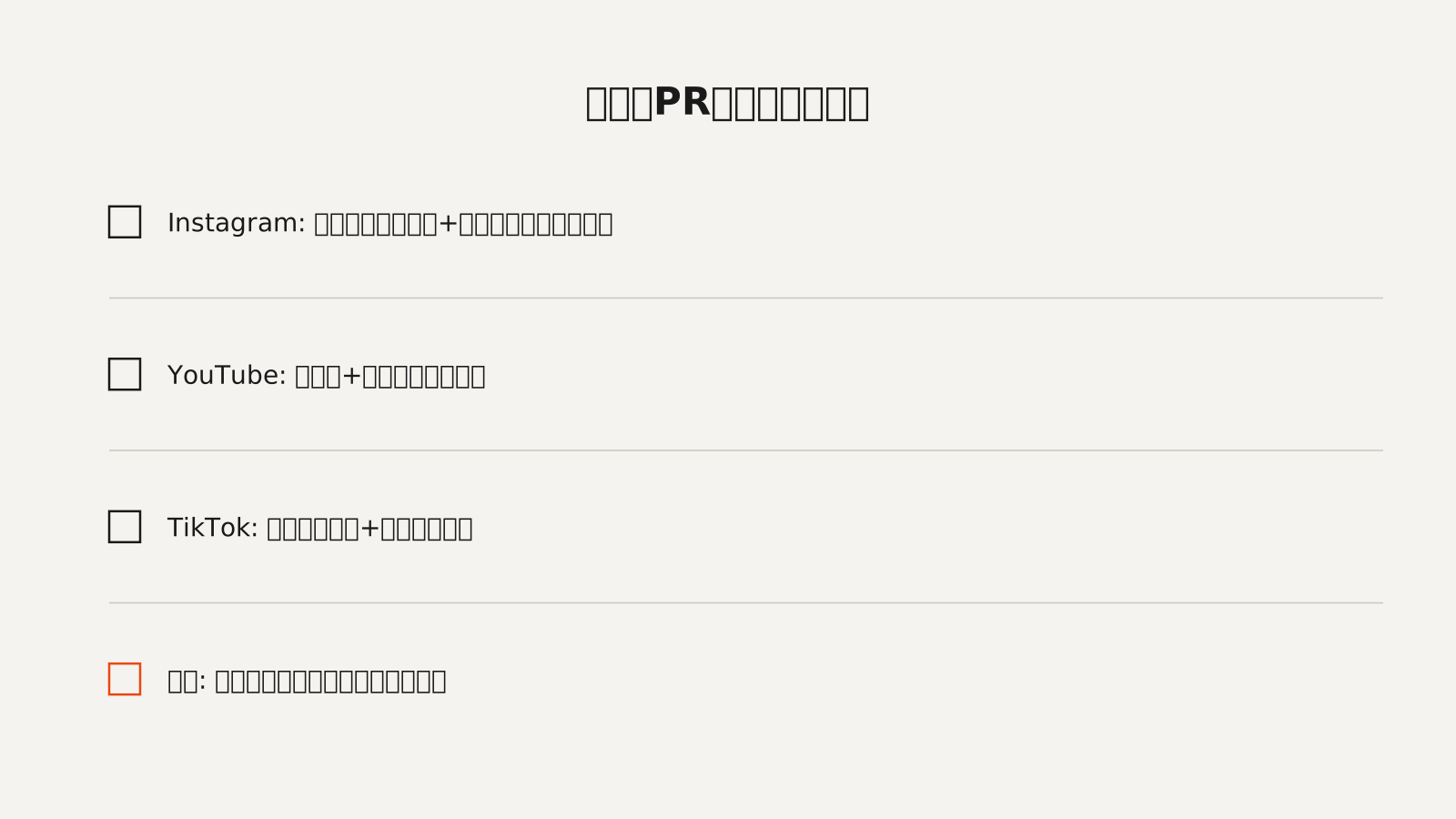
The essence of PR labeling comes down to a single point: whether it conveys that the content is an advertisement. To that end, what should be checked first is not the caption wording but whether the sponsored content labeling feature provided by each platform has been turned on. Wording is ultimately just a supplement to this, and we make a point of never reversing that order.